mod
日本のナビのアイコン / Japanese Navigation Icon
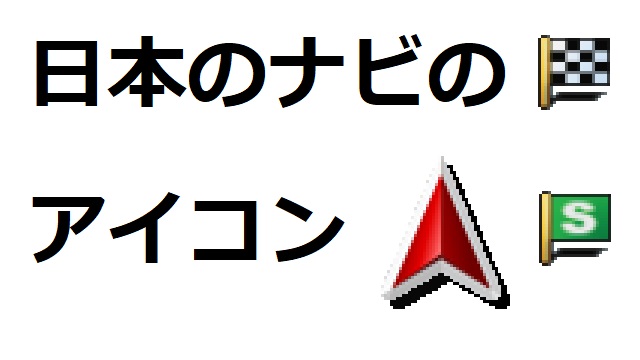
ナビゲーションのアイコンを変更します パイオニアカーナビスタイルです 雰囲気をお楽しみください 変更前 現在地=青い矢印 出発地=緑の旗 目的地=赤い旗 立寄地=青いピン 変更後 現在地=赤い矢印 出発地=緑の旗(S) 目的地=チェッカーフラッグ 立寄地=赤い旗 互換性 バージョン 1.45 Optional Mods 使い方 からMODを有効にします ナビゲーション画面やアイコンを変更する別のMODがある場合は [優先度を上げる]を選択してこのMODの優先度を上げます 注意 MODデータの再配布を禁じます Change navigation icons. Pioneer car nav...
- Latest version
- no release indexed
- Downloads
- 645
- Rating
- 24
- Updated
- 12 mo ago
- Available on
- Steam Workshop
Download
Delivered through the Steam client, not a file this page can link to.
Frequently asked
How do I install 日本のナビのアイコン / Japanese Navigation Icon?
Install the matching loader first, then put the downloaded file in your mods folder and start the game. The loader, the mod and American Truck Simulator all have to be on the same version, which is the usual reason a mod does not appear in game.
Where do I download 日本のナビのアイコン / Japanese Navigation Icon safely?
From the author's own page on Steam Workshop, which is where the data here is synced from. IndexGG never mirrors, re-hosts or repackages a file: every download button points at the original source, so you get exactly what the author published.
Which American Truck Simulator versions does 日本のナビのアイコン / Japanese Navigation Icon work on?
The author has not declared a supported version in the metadata we sync, so there is nothing here we can state as fact. Check the project's own page before installing it, and treat an old mod with no declared version as untested on modern American Truck Simulator.