mod
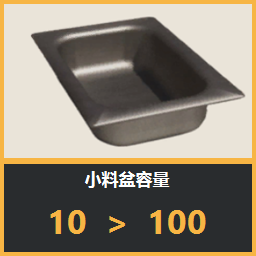
小料盆容量 100 / Ingredient Bowl Capacity 100
小料盆容量 100将原版小料盆容量从 10 份提升至 100 份,减少频繁补料。注意事项仅支持 Windows,不支持 macOS。本 Mod 通过 Windows 原生注入实现。由于官方 Mod API 尚未开放所需的容量与联机同步接口,目前无法良好适配 macOS,需要等待官方开放相关 API。联机时建议所有玩家都安装并启用本 Mod,然后重启游戏再加入。停用或取消订阅前,请先将小料盆存量降至原版上限以内。游戏更新后如出现异常,请暂时停用本 Mod 并等待适配。Mod 日志路径<Steam 库目录>\steamapps\workshop\content\3683770\3776251...
- Latest version
- no release indexed
- Downloads
- 10.8k
- Rating
- 58
- Updated
- 1 mo ago
- Available on
- Steam Workshop
Download
Delivered through the Steam client, not a file this page can link to.
Frequently asked
How do I install 小料盆容量 100 / Ingredient Bowl Capacity 100?
Install the matching loader first, then put the downloaded file in your mods folder and start the game. The loader, the mod and Boba Cafe Simulator all have to be on the same version, which is the usual reason a mod does not appear in game.
Where do I download 小料盆容量 100 / Ingredient Bowl Capacity 100 safely?
From the author's own page on Steam Workshop, which is where the data here is synced from. IndexGG never mirrors, re-hosts or repackages a file: every download button points at the original source, so you get exactly what the author published.
Which Boba Cafe Simulator versions does 小料盆容量 100 / Ingredient Bowl Capacity 100 work on?
The author has not declared a supported version in the metadata we sync, so there is nothing here we can state as fact. Check the project's own page before installing it, and treat an old mod with no declared version as untested on modern Boba Cafe Simulator.