mod
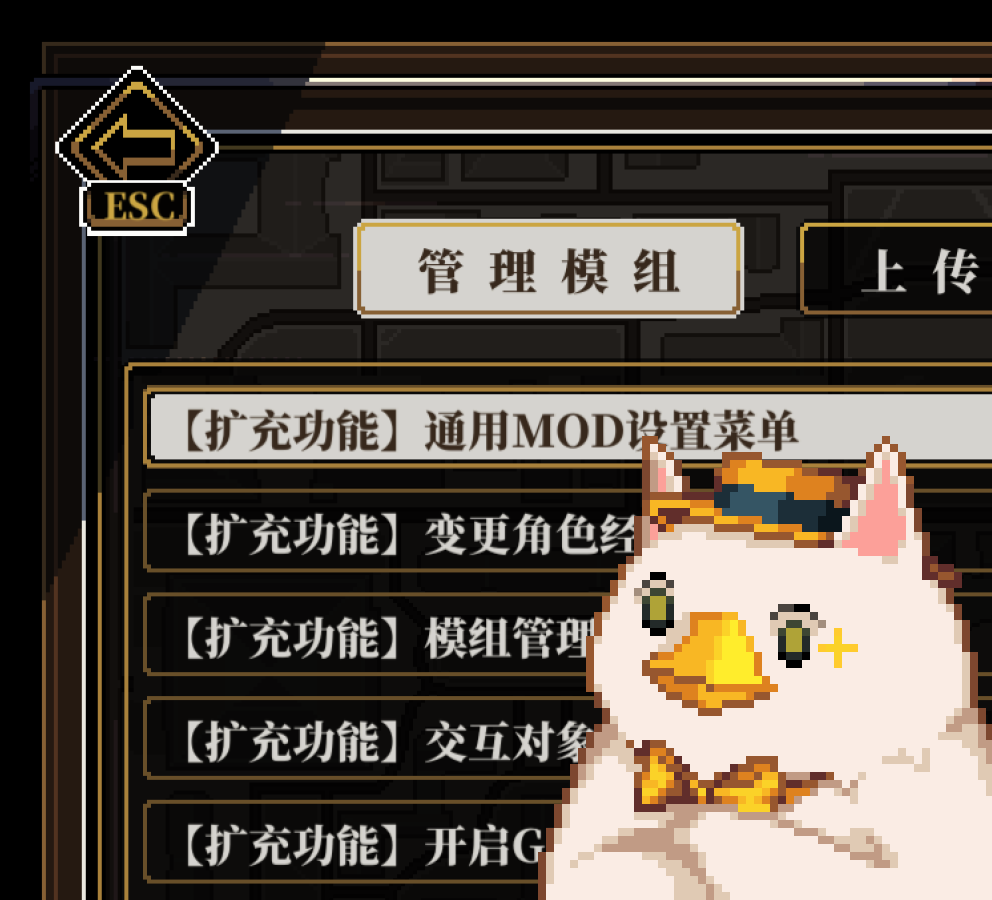
模组管理界面优化
订阅后模组管理界面将新增排序功能, 另外,在左侧项目列表中可透过鼠标右键修改项目的显示名称, 输入空字符串时将还原为原始项目名称。 创意工坊项目的载入顺序可在 Steam 游戏库界面的 管理 > 属性 > 创意工坊 中调整, 载入顺序调整后需重启游戏才能生效。 对应游戏版本 2.1.13。 Mac 无法使用 BepInEx 插件支持,需自行安装 BepInEx。 2025-12-08更新: 数据保存的位置将从存档目录下的 plugin_ca72 目录移至 存档目录 > Steam ID 目录 (脱机模式为 Default 目录) > plugin_ca72 目录。 如果原目录中没有存放其...
- Latest version
- no release indexed
- Downloads
- 13.7k
- Rating
- 296
- Filed under
- Tools
- Updated
- 9 mo ago
- Available on
- Steam Workshop
Download
Delivered through the Steam client, not a file this page can link to.
Frequently asked
How do I install 模组管理界面优化?
Install the matching loader first, then put the downloaded file in your mods folder and start the game. The loader, the mod and Depersonalization all have to be on the same version, which is the usual reason a mod does not appear in game.
Where do I download 模组管理界面优化 safely?
From the author's own page on Steam Workshop, which is where the data here is synced from. IndexGG never mirrors, re-hosts or repackages a file: every download button points at the original source, so you get exactly what the author published.
Which Depersonalization versions does 模组管理界面优化 work on?
The author has not declared a supported version in the metadata we sync, so there is nothing here we can state as fact. Check the project's own page before installing it, and treat an old mod with no declared version as untested on modern Depersonalization.