mod
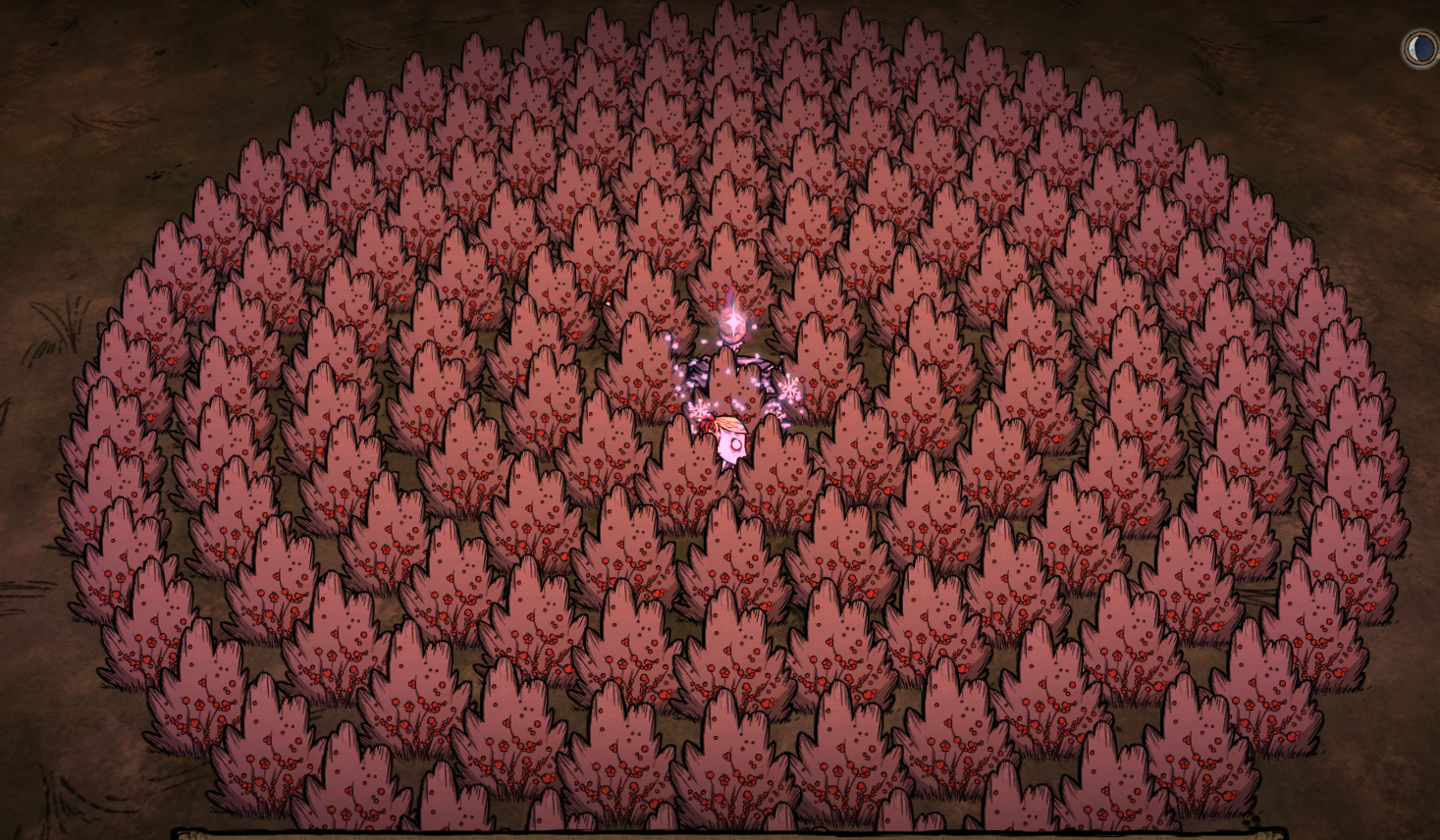
圆形种植/建造(Round Deploy)
使用方式 按Ctrl+N确定圆心,将要种植或建造的物品拿在手上,然后按N开始自动工作。如果手上没有物品,则自动丢弃物品栏第一格的物品。 将物品拿在手上后,按P键可以预览物品的位置(暂时不对是否可以放置做校验,具体以实际放置为准) 按Ctrl+Shift+N可以隐藏中心与参考范围 使用时需要先关闭几何放置mod(Geometric Placement) 默认按J键打开设置界面 感谢缘生死大佬提供的介绍 3.2版本介绍介绍地址
- Latest version
- no release indexed
- Downloads
- 62.6k
- Rating
- 2.3k
- Filed under
- Utility, client_only_mod
- Updated
- 3 y ago
- Available on
- Steam Workshop
Download
Delivered through the Steam client, not a file this page can link to.
Frequently asked
How do I install 圆形种植/建造(Round Deploy)?
Install the matching loader first, then put the downloaded file in your mods folder and start the game. The loader, the mod and Don't Starve Together all have to be on the same version, which is the usual reason a mod does not appear in game.
Where do I download 圆形种植/建造(Round Deploy) safely?
From the author's own page on Steam Workshop, which is where the data here is synced from. IndexGG never mirrors, re-hosts or repackages a file: every download button points at the original source, so you get exactly what the author published.
Which Don't Starve Together versions does 圆形种植/建造(Round Deploy) work on?
The author has not declared a supported version in the metadata we sync, so there is nothing here we can state as fact. Check the project's own page before installing it, and treat an old mod with no declared version as untested on modern Don't Starve Together.