mod
CLIENT MOD | Resolutions
by eim64
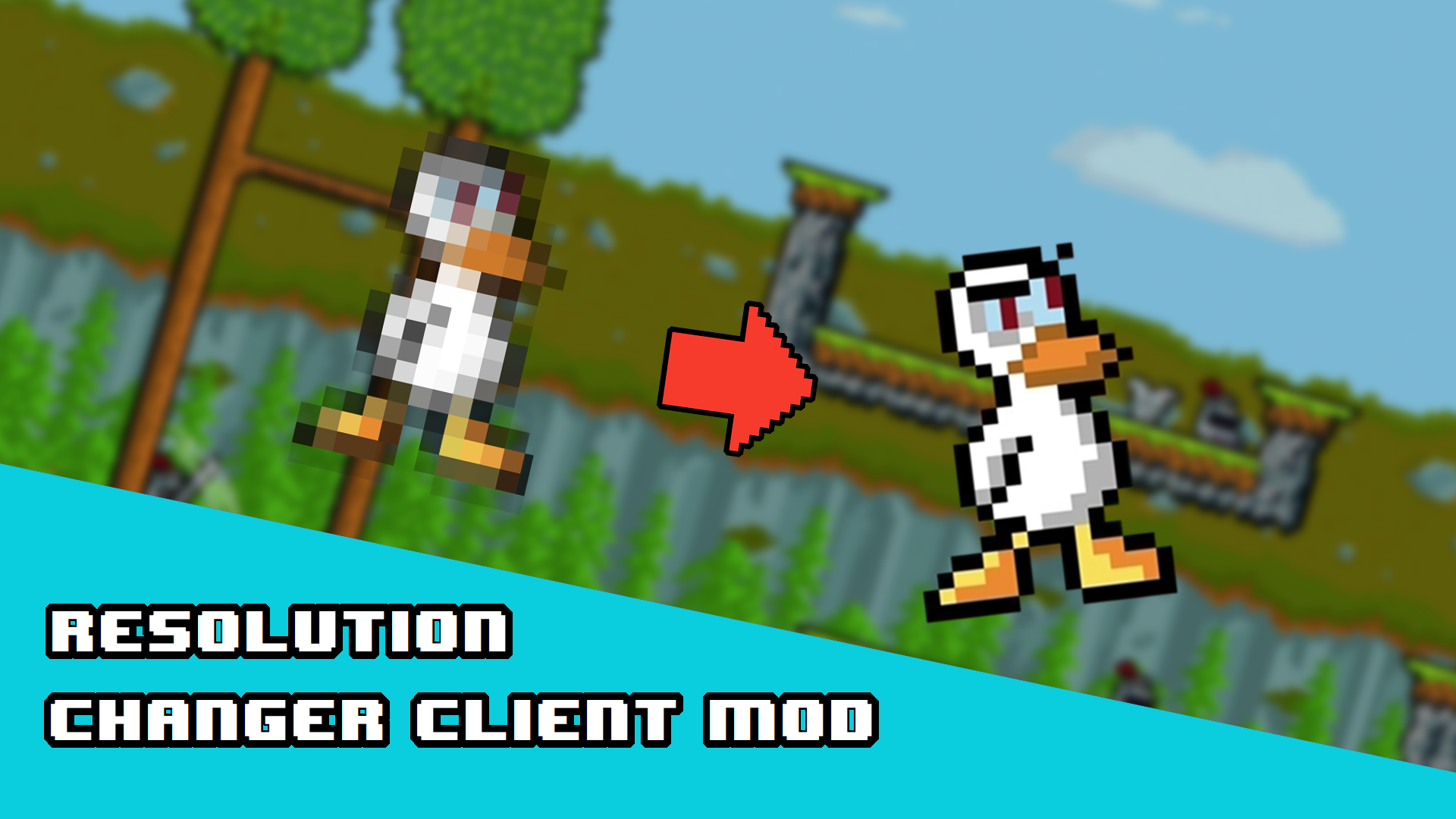
lets you change resolution from the title screen settings menu. Xna cant handle anything above 1920x1200 so thats as good as it gets, but you can change the window size which is really neat and makes fullscreen windowed possible. Others do not need this mod installed and it will not be automatica...
- Latest version
- no release indexed
- Downloads
- 5.4k
- Rating
- 123
- Filed under
- Mod
- Updated
- 8 y ago
- Available on
- Steam Workshop
Download
Delivered through the Steam client, not a file this page can link to.
Frequently asked
How do I install CLIENT MOD | Resolutions?
Install the matching loader first, then put the downloaded file in your mods folder and start the game. The loader, the mod and Duck Game all have to be on the same version, which is the usual reason a mod does not appear in game.
Where do I download CLIENT MOD | Resolutions safely?
From the author's own page on Steam Workshop, which is where the data here is synced from. IndexGG never mirrors, re-hosts or repackages a file: every download button points at the original source, so you get exactly what the author published.
Which Duck Game versions does CLIENT MOD | Resolutions work on?
The author has not declared a supported version in the metadata we sync, so there is nothing here we can state as fact. Check the project's own page before installing it, and treat an old mod with no declared version as untested on modern Duck Game.