mod
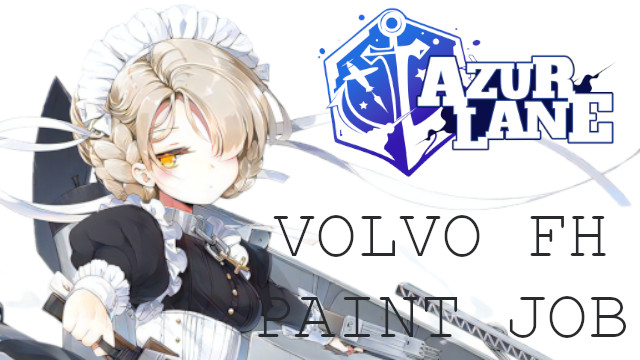
Azur Lane Sheffield Skin for FH 2012
Following Mercedes-Benz, it's Sheffield again. Because I like what I like, so I can't help it Next, I may create another character ベンツに引き続き、シェフィールドが好きなんで、ボルボでも制作しました。 キャラクター配置場所の関係で、一番大きいキャブ(GLOBETRTTER XL)固定にしてあります。 FH Tuning Packのデザインは、ほぼ単純な塗分けのみなので、大した内容は入ってません。
- Latest version
- no release indexed
- Downloads
- 6.2k
- Rating
- 168
- Updated
- 6 y ago
- Available on
- Steam Workshop
Download
Delivered through the Steam client, not a file this page can link to.
Frequently asked
How do I install Azur Lane Sheffield Skin for FH 2012?
Install the matching loader first, then put the downloaded file in your mods folder and start the game. The loader, the mod and Euro Truck Simulator 2 all have to be on the same version, which is the usual reason a mod does not appear in game.
Where do I download Azur Lane Sheffield Skin for FH 2012 safely?
From the author's own page on Steam Workshop, which is where the data here is synced from. IndexGG never mirrors, re-hosts or repackages a file: every download button points at the original source, so you get exactly what the author published.
Which Euro Truck Simulator 2 versions does Azur Lane Sheffield Skin for FH 2012 work on?
The author has not declared a supported version in the metadata we sync, so there is nothing here we can state as fact. Check the project's own page before installing it, and treat an old mod with no declared version as untested on modern Euro Truck Simulator 2.