mod
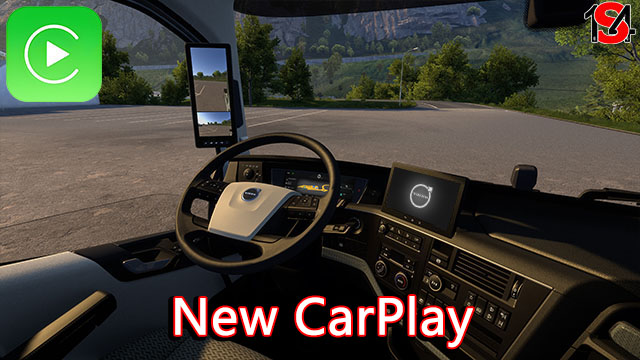
New CarPlay
注意:需将“资讯娱乐显示模式”设置一个对应的按键。 Note: You have to set a specified button for "Infotainment Display Mode"! New CarPlay 与其他任何修改GPS和E-Tech T仪表盘的Mod都不兼容,需在模组管理器中的加载顺序高于其他车辆Mod或者修改GPS的Mod(如 谷歌地图导航 等) 适配车型 达夫:NGD,XD,XF,XF Electric 依维柯:Hi-Way,S-Way 曼恩:TGX欧6,TGX 2020 梅奔:New Actros 雷诺:E-Tech T,T 斯堪尼亚:R 2009/201...
- Latest version
- no release indexed
- Downloads
- 152.0k
- Rating
- 2.0k
- Filed under
- Interiors, DAF
- Updated
- 2 mo ago
- Available on
- Steam Workshop
Download
Delivered through the Steam client, not a file this page can link to.
Frequently asked
How do I install New CarPlay?
Install the matching loader first, then put the downloaded file in your mods folder and start the game. The loader, the mod and Euro Truck Simulator 2 all have to be on the same version, which is the usual reason a mod does not appear in game.
Where do I download New CarPlay safely?
From the author's own page on Steam Workshop, which is where the data here is synced from. IndexGG never mirrors, re-hosts or repackages a file: every download button points at the original source, so you get exactly what the author published.
Which Euro Truck Simulator 2 versions does New CarPlay work on?
The author has not declared a supported version in the metadata we sync, so there is nothing here we can state as fact. Check the project's own page before installing it, and treat an old mod with no declared version as untested on modern Euro Truck Simulator 2.