mod
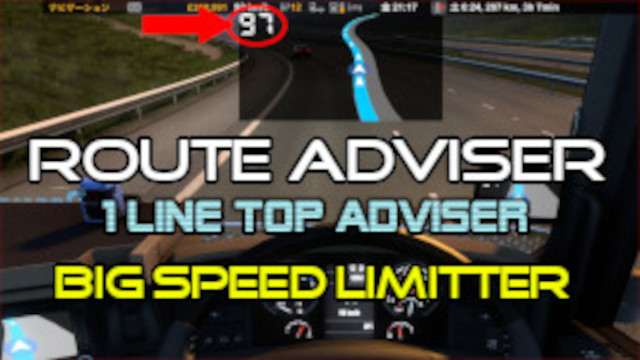
Route Adviser Big Speed Limitter
by Sakimori7412
画面上部に表示されるタイプのルートアドバイザーです。 (ナビゲーション以外のページは画面下部中央ハンドルの位置に表示されます) 小さなサイドミラーも左右に備わっています。(オンスクリーンミラー表示で切り替え可能です) また、制限速度を大きく表示させているので、制限速度がわからないという事もなくなると思います。 ※ルートアドバイザー(ナビ)を非表示にした際のインジケーター部分の背景色を透明から黒に変えたので、ルートアドバイザーが非表示でもインジケーターを見やすくしました。 バージョン1.50でテスト済みです。 ダッシュボードのカーナビ画面が表示されない場合は、一度本MODを削除して起動した...
- Latest version
- no release indexed
- Downloads
- 15.2k
- Rating
- 312
- Filed under
- UI, Other accessories
- Updated
- 2 y ago
- Available on
- Steam Workshop
Download
Delivered through the Steam client, not a file this page can link to.
Frequently asked
How do I install Route Adviser Big Speed Limitter?
Install the matching loader first, then put the downloaded file in your mods folder and start the game. The loader, the mod and Euro Truck Simulator 2 all have to be on the same version, which is the usual reason a mod does not appear in game.
Where do I download Route Adviser Big Speed Limitter safely?
From the author's own page on Steam Workshop, which is where the data here is synced from. IndexGG never mirrors, re-hosts or repackages a file: every download button points at the original source, so you get exactly what the author published.
Which Euro Truck Simulator 2 versions does Route Adviser Big Speed Limitter work on?
The author has not declared a supported version in the metadata we sync, so there is nothing here we can state as fact. Check the project's own page before installing it, and treat an old mod with no declared version as untested on modern Euro Truck Simulator 2.