mod
UI汉化/UI Chinese Translation
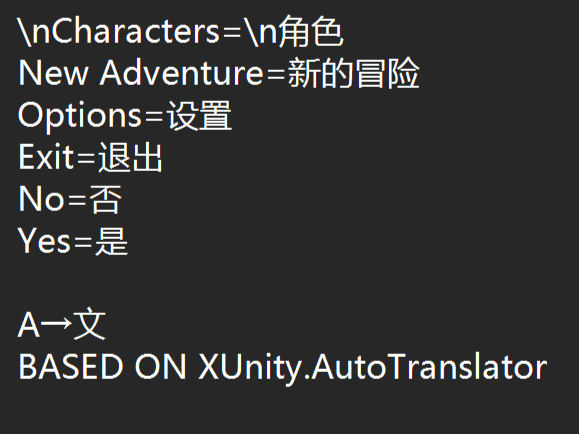
基于 XUnity.AutoTranslator 插件制作 实现游戏 UI 文本的外部简体中文汉化 需要手动安装 游戏剧情及对话部分文本汉化详见必备模组 如有汉化内容错误也请及时反馈 目前已完成初始岛的游戏内测试,其他岛屿的专有物品、地名及人名可能存在缺失 安装方法 1. 订阅后等待下载完成,随后在游戏的安装盘符路径 steam\steamapps\workshop\content\944330\3683287712 找到汉化文件 2. 将汉化文件 HuntAndSnare_UI汉化_260322.bytes 的后缀从 .bytes 修改为 .zip 3. 解压缩 4. 将其中的三个文件...
- Latest version
- no release indexed
- Downloads
- 505
- Rating
- 9
- Updated
- 6 mo ago
- Available on
- Steam Workshop
Download
Delivered through the Steam client, not a file this page can link to.
Frequently asked
How do I install UI汉化/UI Chinese Translation?
Install the matching loader first, then put the downloaded file in your mods folder and start the game. The loader, the mod and Hunt and Snare all have to be on the same version, which is the usual reason a mod does not appear in game.
Where do I download UI汉化/UI Chinese Translation safely?
From the author's own page on Steam Workshop, which is where the data here is synced from. IndexGG never mirrors, re-hosts or repackages a file: every download button points at the original source, so you get exactly what the author published.
Which Hunt and Snare versions does UI汉化/UI Chinese Translation work on?
The author has not declared a supported version in the metadata we sync, so there is nothing here we can state as fact. Check the project's own page before installing it, and treat an old mod with no declared version as untested on modern Hunt and Snare.