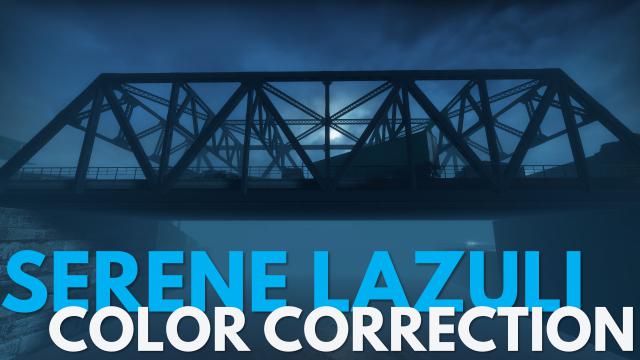
mod
Serene Lazuli - Crash Course Color Correction
This is a deep blue color correction for Crash Course. I made this of course to bring out the campaign's natural blues while not making it overbearing. It diminishes the greys, makes the campaign feel a bit more vibrant, and in my opinion makes it look similar to Death Toll. This will only affect...
- Latest version
- no release indexed
- Downloads
- 27.9k
- Rating
- 738
- Updated
- 6 y ago
- Available on
- Steam Workshop
Download
Delivered through the Steam client, not a file this page can link to.
Frequently asked
How do I install Serene Lazuli - Crash Course Color Correction?
Install the matching loader first, then put the downloaded file in your mods folder and start the game. The loader, the mod and Left 4 Dead 2 all have to be on the same version, which is the usual reason a mod does not appear in game.
Where do I download Serene Lazuli - Crash Course Color Correction safely?
From the author's own page on Steam Workshop, which is where the data here is synced from. IndexGG never mirrors, re-hosts or repackages a file: every download button points at the original source, so you get exactly what the author published.
Which Left 4 Dead 2 versions does Serene Lazuli - Crash Course Color Correction work on?
The author has not declared a supported version in the metadata we sync, so there is nothing here we can state as fact. Check the project's own page before installing it, and treat an old mod with no declared version as untested on modern Left 4 Dead 2.