mod
VehicleHome自定义车辆内部空间
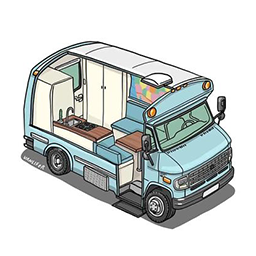
减重为所有车辆提供了一个传送门,可以传送到自己定义的安全屋、或是指定位置。 与Project RV Interior模组冲突,不可同时开启。 使用方法: 1.将车辆开到安全屋或者“指定位置”——进入车辆——按V——选择“设置此处为内部空间“ 2.开车去你想去的任何地方 3.想回家时,进入车辆,按V,选择进入内部空间,即可传送回家。 4.传送完成后,右键地面,选择“离开内部空间”即可回到车辆里。 5.每辆车只能设置一次内部空间。 6.多人联机有BUG,建议单人玩。如果想开服务器,可以用nosteam的模组服,和单人模组加载是一样的。 Workshop ID: 3650913465 Mod...
- Latest version
- no release indexed
- Downloads
- 1.0k
- Rating
- 92
- Updated
- 9 mo ago
- Available on
- Steam Workshop
Download
Delivered through the Steam client, not a file this page can link to.
Frequently asked
How do I install VehicleHome自定义车辆内部空间?
Install the matching loader first, then put the downloaded file in your mods folder and start the game. The loader, the mod and Project Zomboid all have to be on the same version, which is the usual reason a mod does not appear in game.
Where do I download VehicleHome自定义车辆内部空间 safely?
From the author's own page on Steam Workshop, which is where the data here is synced from. IndexGG never mirrors, re-hosts or repackages a file: every download button points at the original source, so you get exactly what the author published.
Which Project Zomboid versions does VehicleHome自定义车辆内部空间 work on?
The author has not declared a supported version in the metadata we sync, so there is nothing here we can state as fact. Check the project's own page before installing it, and treat an old mod with no declared version as untested on modern Project Zomboid.