mod
Progress Renderer-自动截图简体中文汉化
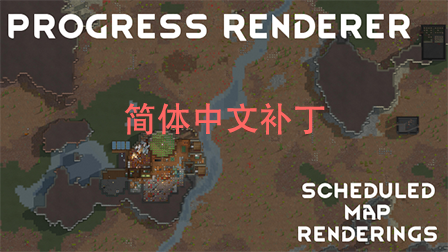
这是Progress Renderer的简体中文补丁,不包含MOD本体,本人汉化比较渣,大伙将就着用,我估计也没啥人会再专门给这个MOD做汉化了,毕竟只有设置,还是挺简单的。 会根据设置以一定间隔自动对玩家的殖民地进行截图,玩家可以定义截图区域,未定义时将对整张地图进行截图。特别适合故事党,直播贴,可在设置中关闭自动截图。 定义区域的是再命令里面,就是原版的计划那里,有一个带着照相机图标的玩意,挺好找的。 MOD截图规则设置方法: 在选项中选择MOD设置,找到Progress Renderer,点进去根据相关说明进行设置。(我汉化补丁在后面加了汉字,但前面的字母没有改)
- Latest version
- no release indexed
- Downloads
- 7.9k
- Rating
- 135
- Updated
- 4 y ago
- Available on
- Steam Workshop
Download
Delivered through the Steam client, not a file this page can link to.
Frequently asked
How do I install Progress Renderer-自动截图简体中文汉化?
Install the matching loader first, then put the downloaded file in your mods folder and start the game. The loader, the mod and RimWorld all have to be on the same version, which is the usual reason a mod does not appear in game.
Where do I download Progress Renderer-自动截图简体中文汉化 safely?
From the author's own page on Steam Workshop, which is where the data here is synced from. IndexGG never mirrors, re-hosts or repackages a file: every download button points at the original source, so you get exactly what the author published.
Which RimWorld versions does Progress Renderer-自动截图简体中文汉化 work on?
The author has not declared a supported version in the metadata we sync, so there is nothing here we can state as fact. Check the project's own page before installing it, and treat an old mod with no declared version as untested on modern RimWorld.