mod
碧蓝航线过场图替换
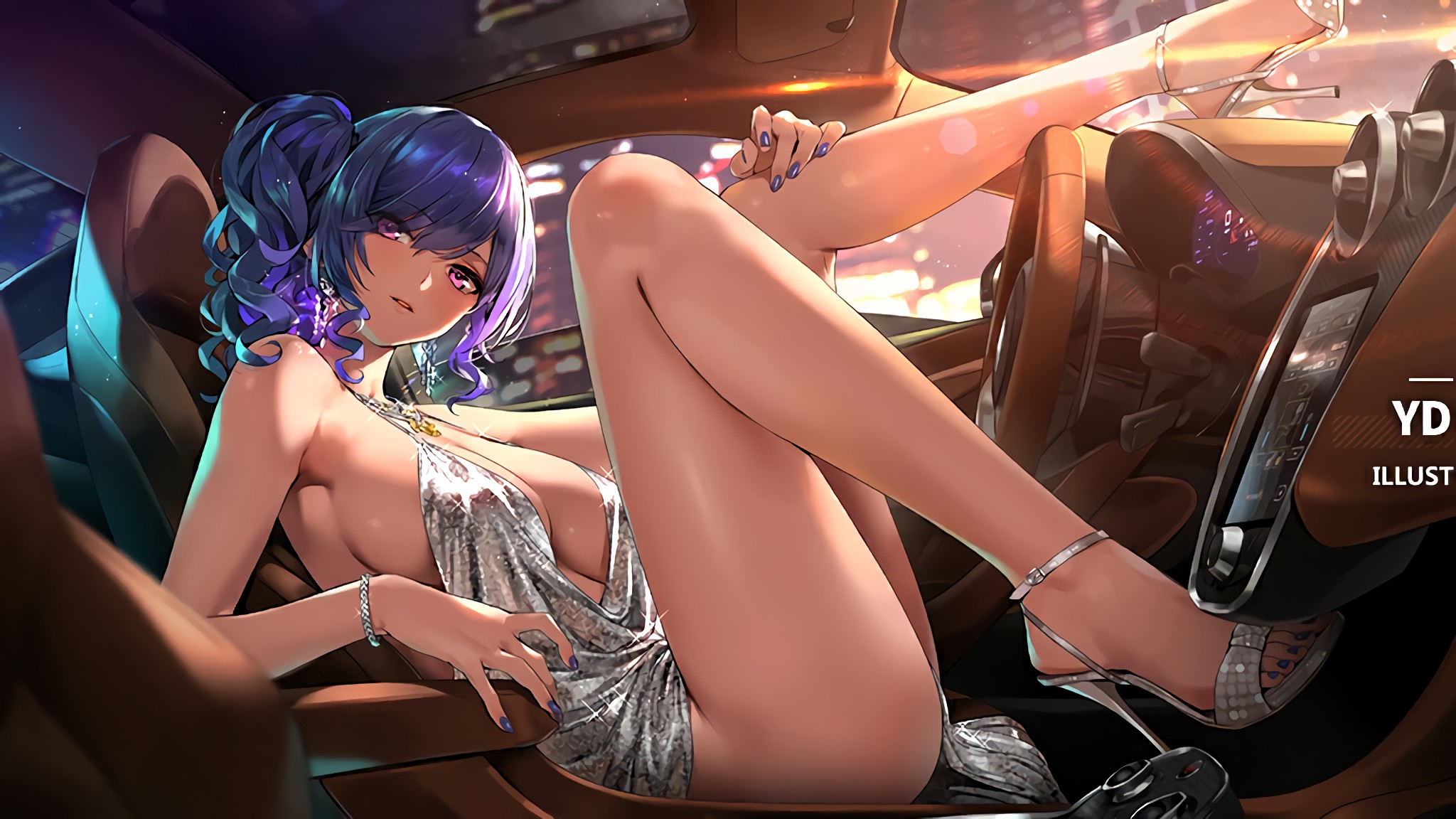
加了涩涩私货,开游戏前请注意周围环境 替换了过场图背景,尺寸均为1920×1080 约180张图? 需要F前置 图片来源:碧蓝航线游戏cg b站 碧蓝航线日推,美推 pixiv 想增加新过场图的方法,打开mod目录找到一堆开头的文件夹,替换你不想要的图片,或者新建一个文件夹,把图片跟文本放进去 尺寸最好是1920×1080,因为鬼谷八荒的背景图是居中的,超过了规定尺寸就会看不到,所以最好自己用PS裁一下 **********本次更新说明**********
- Latest version
- no release indexed
- Downloads
- 4.8k
- Rating
- 97
- Filed under
- Beautify
- Updated
- 12 mo ago
- Available on
- Steam Workshop
Download
Delivered through the Steam client, not a file this page can link to.
Frequently asked
How do I install 碧蓝航线过场图替换?
Install the matching loader first, then put the downloaded file in your mods folder and start the game. The loader, the mod and 鬼谷八荒 Tale of Immortal all have to be on the same version, which is the usual reason a mod does not appear in game.
Where do I download 碧蓝航线过场图替换 safely?
From the author's own page on Steam Workshop, which is where the data here is synced from. IndexGG never mirrors, re-hosts or repackages a file: every download button points at the original source, so you get exactly what the author published.
Which 鬼谷八荒 Tale of Immortal versions does 碧蓝航线过场图替换 work on?
The author has not declared a supported version in the metadata we sync, so there is nothing here we can state as fact. Check the project's own page before installing it, and treat an old mod with no declared version as untested on modern 鬼谷八荒 Tale of Immortal.