mod
鸣潮整合包——Wuthering Waves Personal Mod Pack
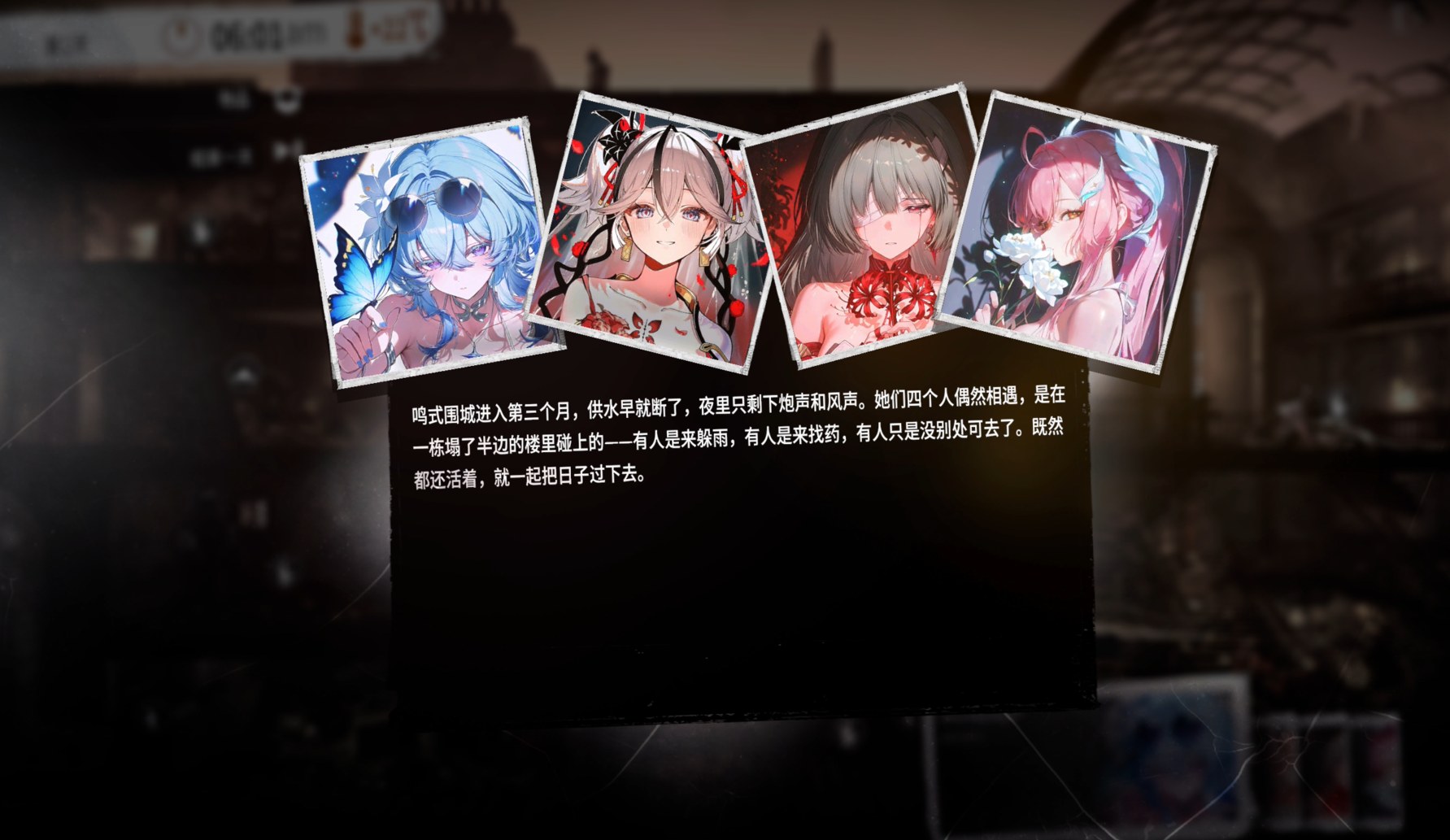
订阅本mod之后,请进入游戏内mod中心,点击禁用再启用,退出游戏重进,就可以正常使用了 After subscribing, go to the in-game Mod Center, disable the mod and re-enable it, then restart the game. That'll sort it out. v2新增角色清霄,新增五人剧本 v2: New character — Qingxiao, and a brand-new 5-person scenario. v3对游戏文本进行部分修改,禁止ooc以及ntr v3 reworks some of...
- Latest version
- no release indexed
- Downloads
- 348
- Rating
- 18
- Updated
- 11 d ago
- Available on
- Steam Workshop
Download
Delivered through the Steam client, not a file this page can link to.
Frequently asked
How do I install 鸣潮整合包——Wuthering Waves Personal Mod Pack?
Install the matching loader first, then put the downloaded file in your mods folder and start the game. The loader, the mod and This War of Mine all have to be on the same version, which is the usual reason a mod does not appear in game.
Where do I download 鸣潮整合包——Wuthering Waves Personal Mod Pack safely?
From the author's own page on Steam Workshop, which is where the data here is synced from. IndexGG never mirrors, re-hosts or repackages a file: every download button points at the original source, so you get exactly what the author published.
Which This War of Mine versions does 鸣潮整合包——Wuthering Waves Personal Mod Pack work on?
The author has not declared a supported version in the metadata we sync, so there is nothing here we can state as fact. Check the project's own page before installing it, and treat an old mod with no declared version as untested on modern This War of Mine.