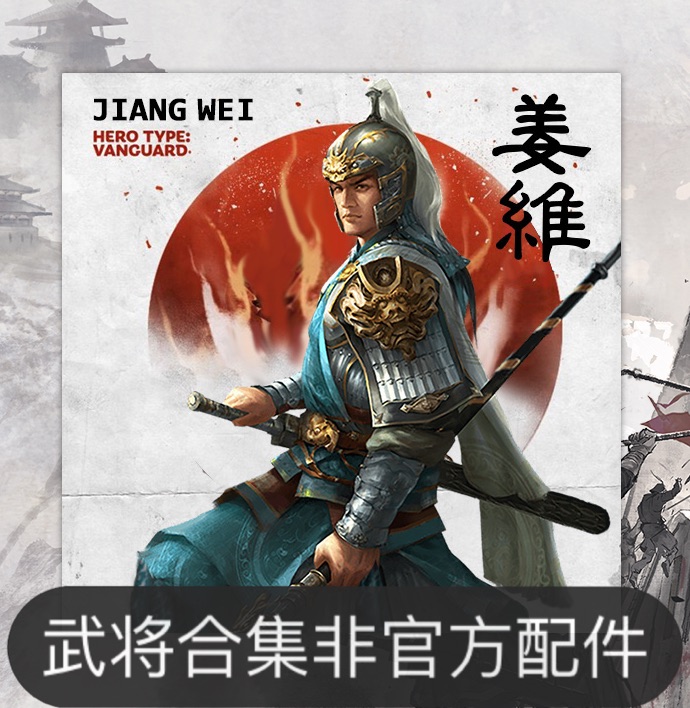
mod
遍地诸侯王字体放大-推荐2K、4K显示器下用以放大
by 公承
特别注意事项: 一、必须置于遍地诸侯王mod之上,遍地诸侯王mod链接 二、本mod主要功能为,增大战役主界面以及一些文本上的字体放大; 三、由于游戏UI上,有些地方的字体大小用的是一样的文件控制,比如外交界面的势力主君名字和战役界面的郡国名字文字是用一样的字体大小规格,本mod修改了郡国字体放大,导致了外交界面部分字体大小超过UI规格,暂时无法解决,总体影响不大。 如果你不想继续忍受100%UI界面然后放大字体缓解视觉,这里有个重大好消息,我做了一个不需要改UI可以畅玩2K4K分辨率的mod, 上面这个mod订阅后请关闭包括本mod以内的所有字体修改类mod,具体效果点击上方mod了解吧。
- Latest version
- no release indexed
- Downloads
- 7.5k
- Rating
- 94
- Filed under
- UI, Mod
- Updated
- 4 y ago
- Available on
- Steam Workshop
Download
Delivered through the Steam client, not a file this page can link to.
Frequently asked
How do I install 遍地诸侯王字体放大-推荐2K、4K显示器下用以放大?
Install the matching loader first, then put the downloaded file in your mods folder and start the game. The loader, the mod and Total War: THREE KINGDOMS all have to be on the same version, which is the usual reason a mod does not appear in game.
Where do I download 遍地诸侯王字体放大-推荐2K、4K显示器下用以放大 safely?
From the author's own page on Steam Workshop, which is where the data here is synced from. IndexGG never mirrors, re-hosts or repackages a file: every download button points at the original source, so you get exactly what the author published.
Which Total War: THREE KINGDOMS versions does 遍地诸侯王字体放大-推荐2K、4K显示器下用以放大 work on?
The author has not declared a supported version in the metadata we sync, so there is nothing here we can state as fact. Check the project's own page before installing it, and treat an old mod with no declared version as untested on modern Total War: THREE KINGDOMS.