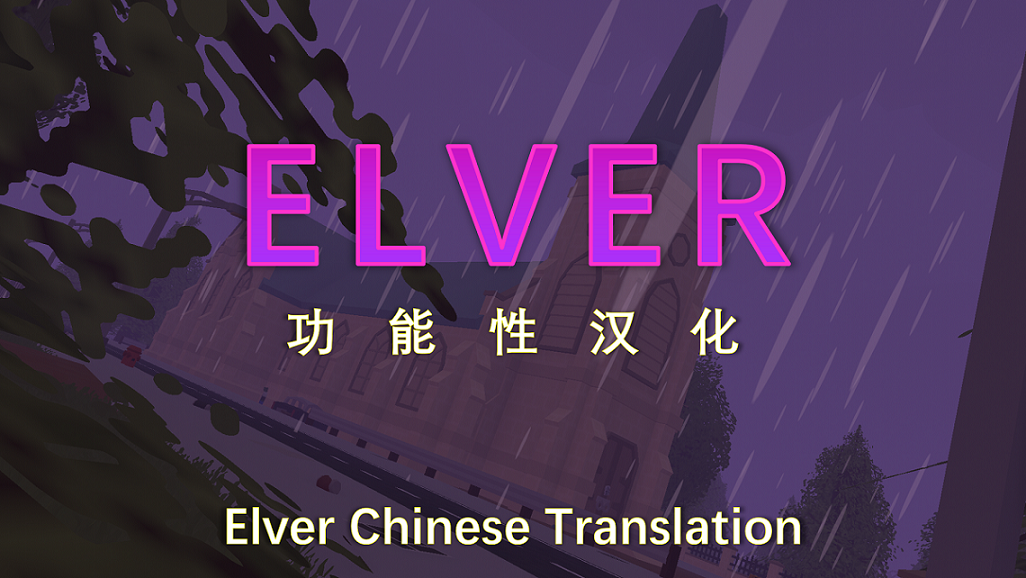
mod
Elver功能性汉化V1.0.0
✾ 想要反馈汉化BUG,提出个人意见,交流体验心得?不妨加入我们的汉化交流群!✾ Unturned汉化群号:461908523 注意: 本汉化可能存在以下严重问题,如有发生,请立即停止使用并报告问题! · Elver地图内的物体丢失 使用方法: 打开Steam界面,点击左上角"库" 在左侧列表找到Unturned,右击 管理 -> 浏览本地文件 在弹出的文件夹界面,找到文件夹地址栏那里(百度:文件夹地址栏),框选 \common\Unturned 并删除,敲击回车键跳转 依次点击进入文件夹: workshop -> content -> content -> 304930 找到名为 24...
- Latest version
- no release indexed
- Downloads
- 3.3k
- Rating
- 160
- Filed under
- Localization
- Updated
- 6 y ago
- Available on
- Steam Workshop
Download
Delivered through the Steam client, not a file this page can link to.
Frequently asked
How do I install Elver功能性汉化V1.0.0?
Install the matching loader first, then put the downloaded file in your mods folder and start the game. The loader, the mod and Unturned all have to be on the same version, which is the usual reason a mod does not appear in game.
Where do I download Elver功能性汉化V1.0.0 safely?
From the author's own page on Steam Workshop, which is where the data here is synced from. IndexGG never mirrors, re-hosts or repackages a file: every download button points at the original source, so you get exactly what the author published.
Which Unturned versions does Elver功能性汉化V1.0.0 work on?
The author has not declared a supported version in the metadata we sync, so there is nothing here we can state as fact. Check the project's own page before installing it, and treat an old mod with no declared version as untested on modern Unturned.