mod
4K超清场景过渡动画
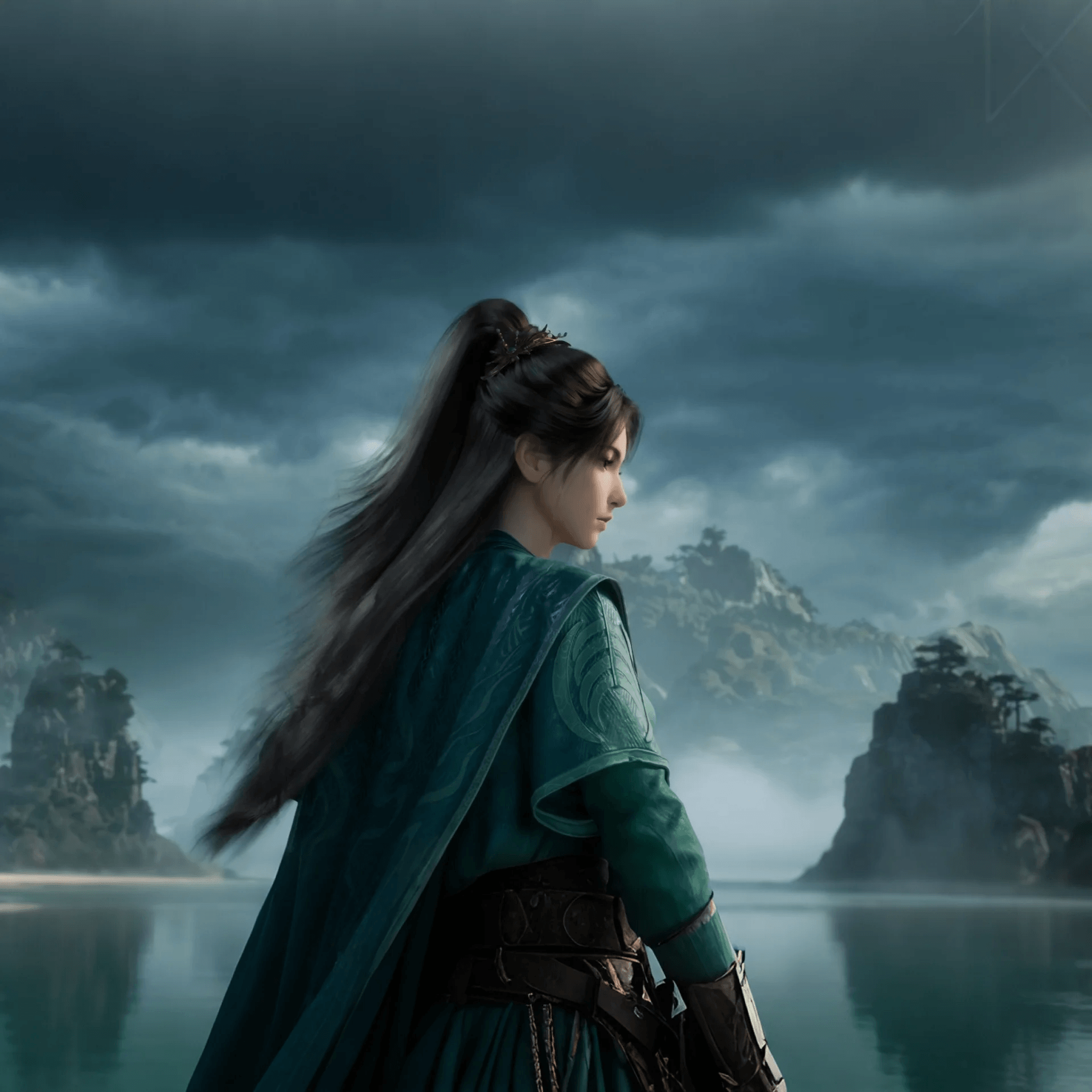
用凡人修仙传的动画替换了切换场景时的黑屏 文件有点大,一共83张4K图片,觉得太多的话可以删掉不想要的图片,每张图片都是壁纸级的,所以进游戏时会卡半分钟左右,多等一会就行了,只有打开游戏会慢一点,进入游戏后切换场景的加载时间其实感觉是比原来快的。 进游戏后要在要在游戏设置里面启用,建议用渐变,效果最好。 因为大佬之前的图片是1080p的,我的显示器是4K的,导致加载时图片糊成一片,就把图片换成了凡人修仙传的4K图片。 原mod地址:
- Latest version
- no release indexed
- Downloads
- 5.5k
- Rating
- 148
- Filed under
- Optimization, Other
- Updated
- 16 mo ago
- Available on
- Steam Workshop
Download
Delivered through the Steam client, not a file this page can link to.
Frequently asked
How do I install 4K超清场景过渡动画?
Install the matching loader first, then put the downloaded file in your mods folder and start the game. The loader, the mod and 觅长生 all have to be on the same version, which is the usual reason a mod does not appear in game.
Where do I download 4K超清场景过渡动画 safely?
From the author's own page on Steam Workshop, which is where the data here is synced from. IndexGG never mirrors, re-hosts or repackages a file: every download button points at the original source, so you get exactly what the author published.
Which 觅长生 versions does 4K超清场景过渡动画 work on?
The author has not declared a supported version in the metadata we sync, so there is nothing here we can state as fact. Check the project's own page before installing it, and treat an old mod with no declared version as untested on modern 觅长生.